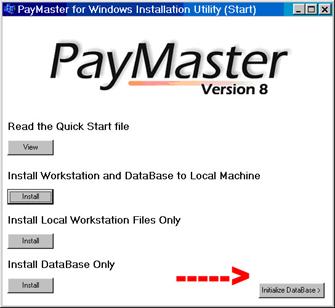
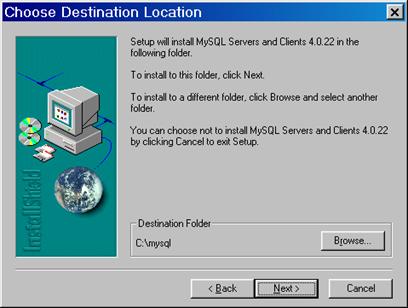
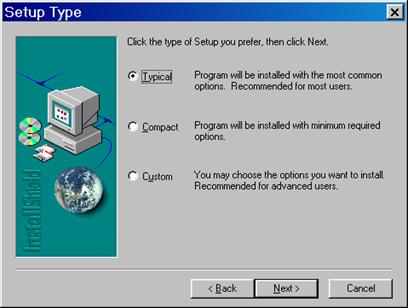
Install PayMaster for Windows 8.0 on local workstation. Click on NEXT.
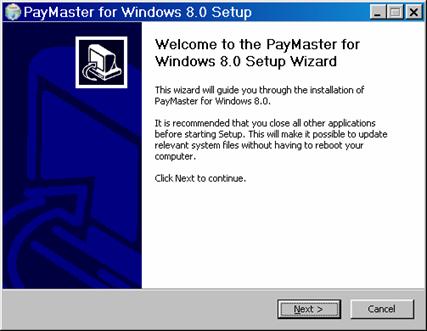
NOTE: It is possible to install the database across a network using this option. Please do not do it. While it is possible to get PayMaster to run if you install it this way, it will likely cause problems later. It is far more difficult to configure the database and the uninstaller will be registered on the local workstation. Although the uninstaller may still work, if you make changes to your network you will probably break the uninstallation. The bottom line is that you will create a lot of manual configuration for yourself which we can not support. The same holds true for the PayMaster program files. So when installing on the server, install on the physical server.
|
Install PayMaster for Windows 8.0 on local workstation. Click on NEXT.
|
|
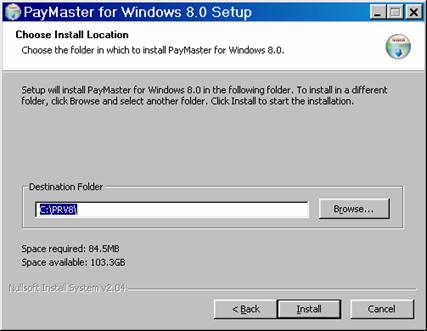
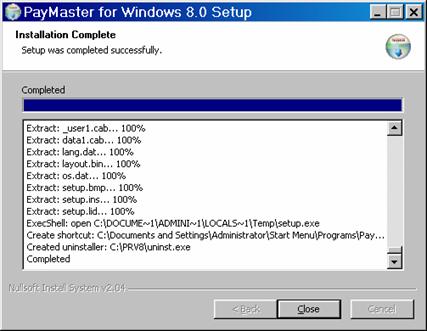
|
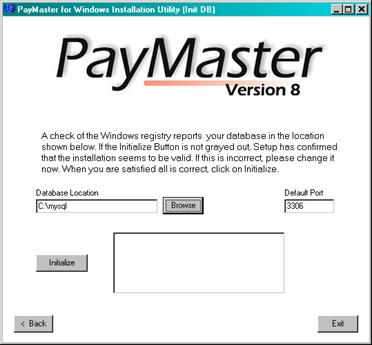
IMPORTANT!
You must initialize the database.
This allows the MySQL database to run as a service and sets up the PayMaster specific attributes.
|
|
There is an initialization file called "my.ini" located under the Windows directory (i.e. C:\WINNT\MY.INI) that shows the path to MySQL.
Note: The my.ini that is included in the install will work well with small companies. For larger companies the MySQL database can be tuned to be more efficient by editing the my.ini file. Please contact support for details.
my.ini # Auto-created by PayMaster Setup. [mysqld] basedir=C:\mysql datadir=C:\mysql\data port=3306
Related Topics